
Eighteen months and ten days: how the Senpi AI Quant Companion got built
Jason Goldberg on how the Senpi AI Quant Companion Chrome extension shipped in ten days, on top of eighteen months of foundations.
Originally published on X on October 19, 2026. Read the original on X.
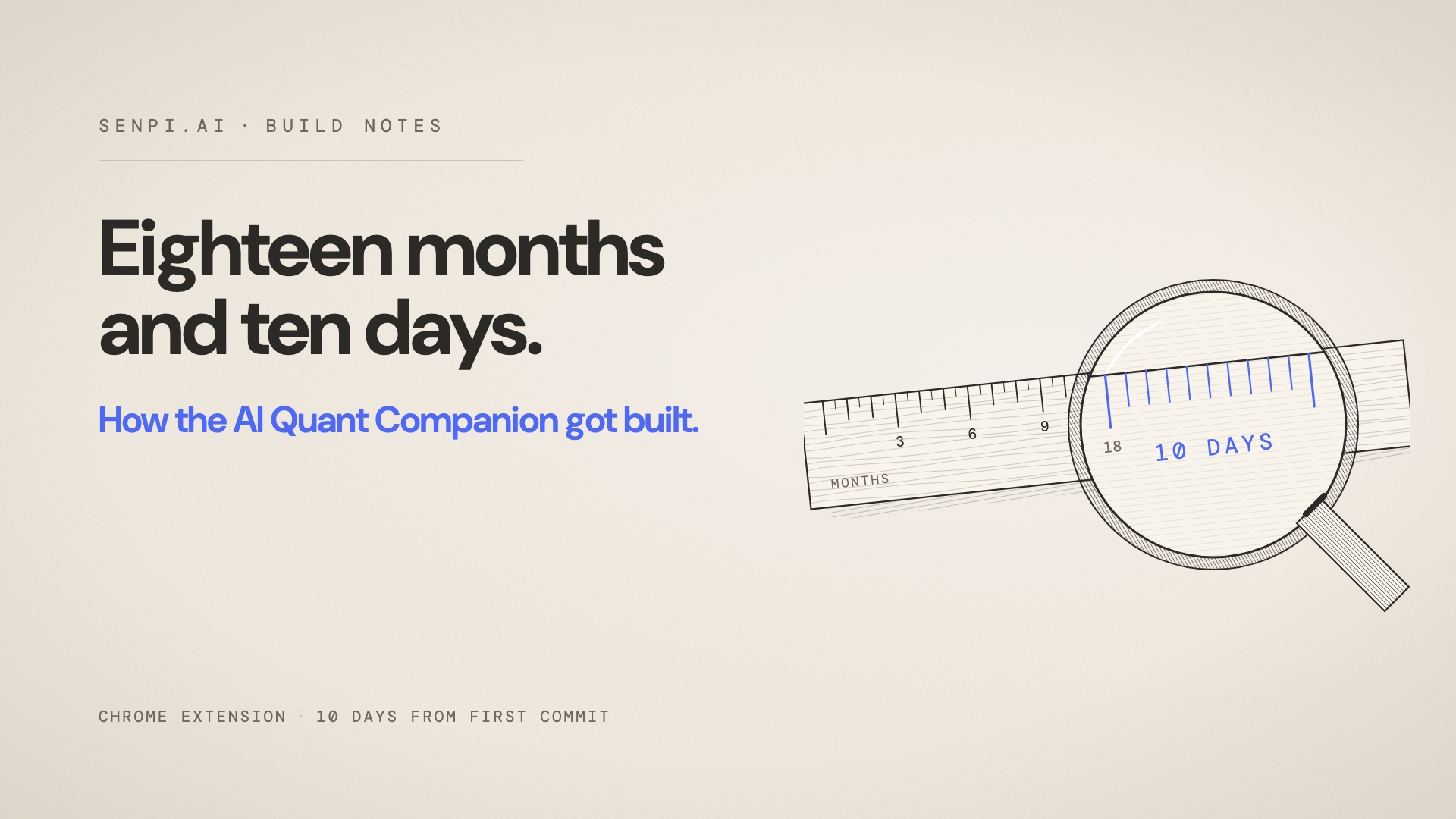
Today we launched Senpi AI Quant Companion -- a chrome extension that brings Senpi AI Trading Intelligence with you wherever you trade or do research, live already on 28 sites, free in the Chrome Web Store. Thanks to @sarvesh_jain_ and the @senpi_ai team we launched it in just 10 days from first commit.
In reality though, those 10 days were enabled by 18 months of foundational work. Here's the backstory.
Meet me where I am
I spend a large part of my week on calls with traders. Prosumers, desk traders, and a growing number of whales who run real size on Hyperliquid and elsewhere. The conversations wander, but one theme came back from the biggest books every time: meet me where I am.
They were not asking for a better destination. They already have one. A whale has a terminal they trust, a chart layout they have tuned for years, a set of explorers open all day, and X in a tab for the flow.
What they wanted was Senpi's intelligence next to that, without moving. Read the asset I am looking at. Tell me what smart money is doing in it, where the whales are, how the top traders are positioned, and let me ask the follow-up right there. Do not make me come to you.
That sentence became the product brief.
AI intelligence everywhere you trade.
Why not sooner
We wanted to build this for months. It did not ship for months, and the reason is sequencing, not priority.
A side panel that only chats is a chat box. The Companion is useful because the thing behind the panel is the user's own agent, with every skill, every tool and every approval rule it has in the app. To put that beside a chart we needed four things to exist first.
Your agent had to be reachable from outside our app. That was Connectors, launched on 1 October: an OAuth server that pins known clients, and a bridge that carries a conversation to the agent and brings approvals back. The Companion signs in through the same server and talks through the same bridge.
The read had to be a service, not a skill. The signals sweep that an agent runs in chat takes a model call and minutes. A panel that opens on every page needs the same read in seconds. So the sweep became a Go service with a snapshot of the market refreshed every three minutes, and parity tests that prove it returns what the skill would have.
We needed to know what people actually ask. The Live Feed, which went live on 16 October, was built on the same telemetry the Companion now reports into, and on Jev, the typed decision model that reads every prompt and answer before it is published. The categories and quality bands it learned are the same ones the Companion's design leans on.
And the agent itself had to be solid: the runtime that protects positions around the clock, the approvals model, the Quant Desk. Those are the last eighteen months.
Once those existed, the Companion was a client.
Ten days
Sarvesh committed the first version on 6 October: a side panel, agent chat, approvals and the market read, in one commit. Rachin, Kaushal and I joined that week. Ten days and 284 commits later we had a build Google approved, and this week it went live to everyone.
The speed is not heroics. It is what happens when the foundation is already there. Sign-in took the OAuth server we already ran. Chat took the bridge Connectors already used. The read took the service the signals skill had already become. The approval card is the same object the app shows. What was new was the panel, the detection, and the discipline about what leaves the page.
Under the hood
The panel. A Chrome extension on Manifest V3, written in TypeScript and React, opened as Chrome's side panel so it sits beside the page rather than on top of it. The chat is a streaming client to your agent; replies arrive as they are written.
Detection. On each supported site a small content script reads which asset the page is showing, or which wallet, on an explorer, after you confirm. That is all it reads. Every message from the page to the panel is checked against a fixed schema: a venue and a symbol, or a venue and an address. Page text, the DOM, URLs, cookies and history never leave the content script, and the script is registered only on the sites you have granted. A site we add later arrives as a permission you accept, never as something an update turns on.
The read. The panel asks the signals service for the asset on the page. The service holds a rolling snapshot of the market: the proven-trader cohort and where it sits against the crowd, whale opens as they happen, the 4-hour winners board, funding, open interest, liquidations, and the move against BTC and the S&P 500. It refreshes every three minutes, so the read is current without a model call, and every read is scored and sourced.
The chat. When you ask a question, the panel sends it through the bridge to your own agent, the one that runs your strategies, with every skill it has. The read you are looking at travels with the question, so the agent answers about the same numbers you see.
Approvals. When your agent wants to place or change a trade, the panel shows the exact request and waits. Allow once or Deny. Deposits and withdrawals stay in the Senpi app. Nothing on the host site is touched.
Privacy by construction. Usage data is off unless you turn it on. The only things that leave your browser are the detected asset or wallet, your messages to your own agent, and your answers to its approvals.
What it builds on
Eighteen months of layers, each one still in use today: the Hyperliquid tool set the agent calls, the skills that turn it into a quant, the Hyperfeed data layer that reads smart money and whales in real time, the runtime that holds and protects positions 24/7, the Samurai model, the per-user agents we launched in July, the Quant Desk, Jev, the telemetry loop, Connectors, and the Feed. The Companion is the newest surface on that stack, not a new stack.
Why this is the strategy
Senpi AI is the intelligence layer on top of every trading app. We do not need a trader to change where they trade. Every one of the 28 sites is now a place Senpi shows up, with nothing to integrate on their side, and every read is one tap from the trader's own agent.
Senpi in your AI apps. Senpi on every chart. Senpi everywhere you trade.
Install the Senpi AI Companion: go.senpi.ai/chrome.
Senpi is not affiliated with, endorsed by or sponsored by the exchanges and sites it works with; their names are used only to describe compatibility. Trading involves risk. Senpi Signals are observations, not investment advice.